Filter Contacts
Find contacts by tag, action, assigned member, or search
Filter your contacts
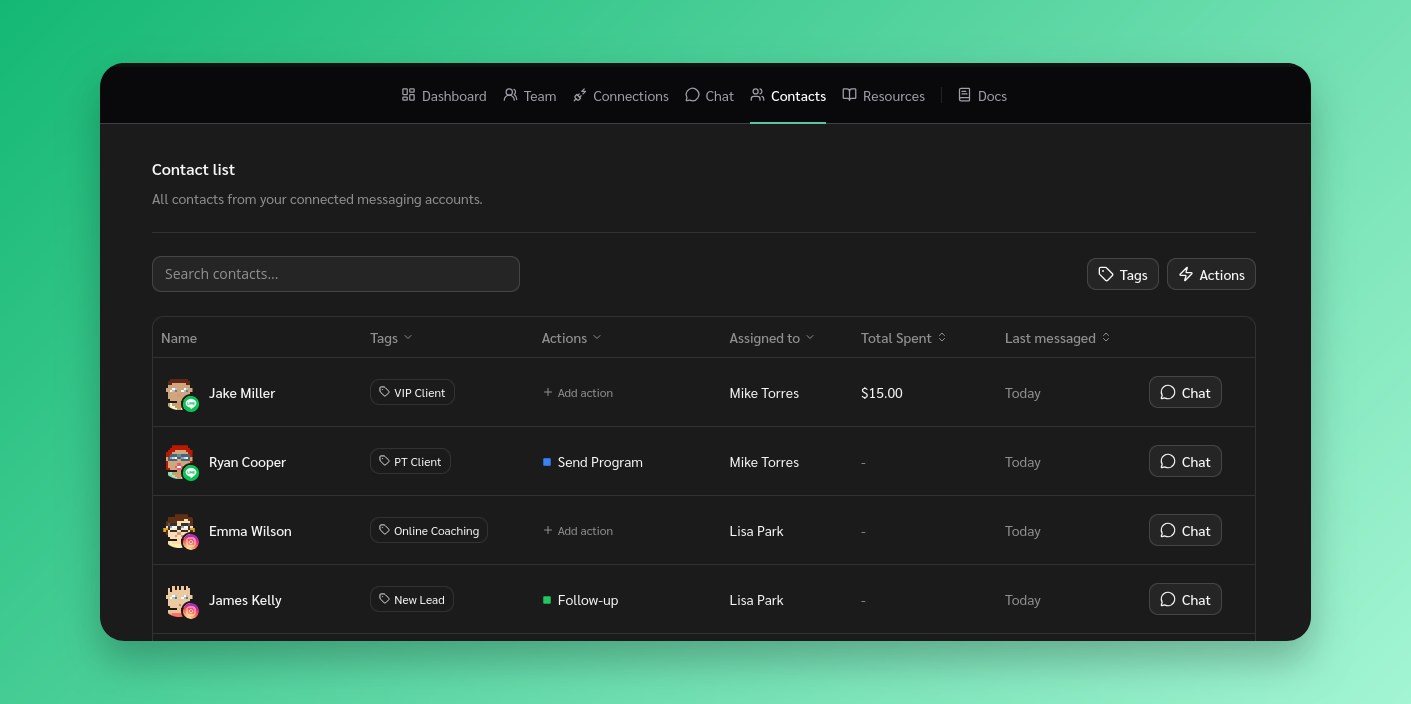
Go to Contacts and use the filters in the table header:
- Tags - Click the Tags column header and select a tag to filter by
- Actions - Click the Actions column header and select an action
- Assigned to - Filter by the team member a contact is assigned to
- Search - Use the search bar to find contacts by name
- Sort - Sort by total spent or last messaged
Filters can be combined. Click the active filter again and select “All” to clear it.