Add Members
Invite team members with a shareable link
Select a role and generate a link
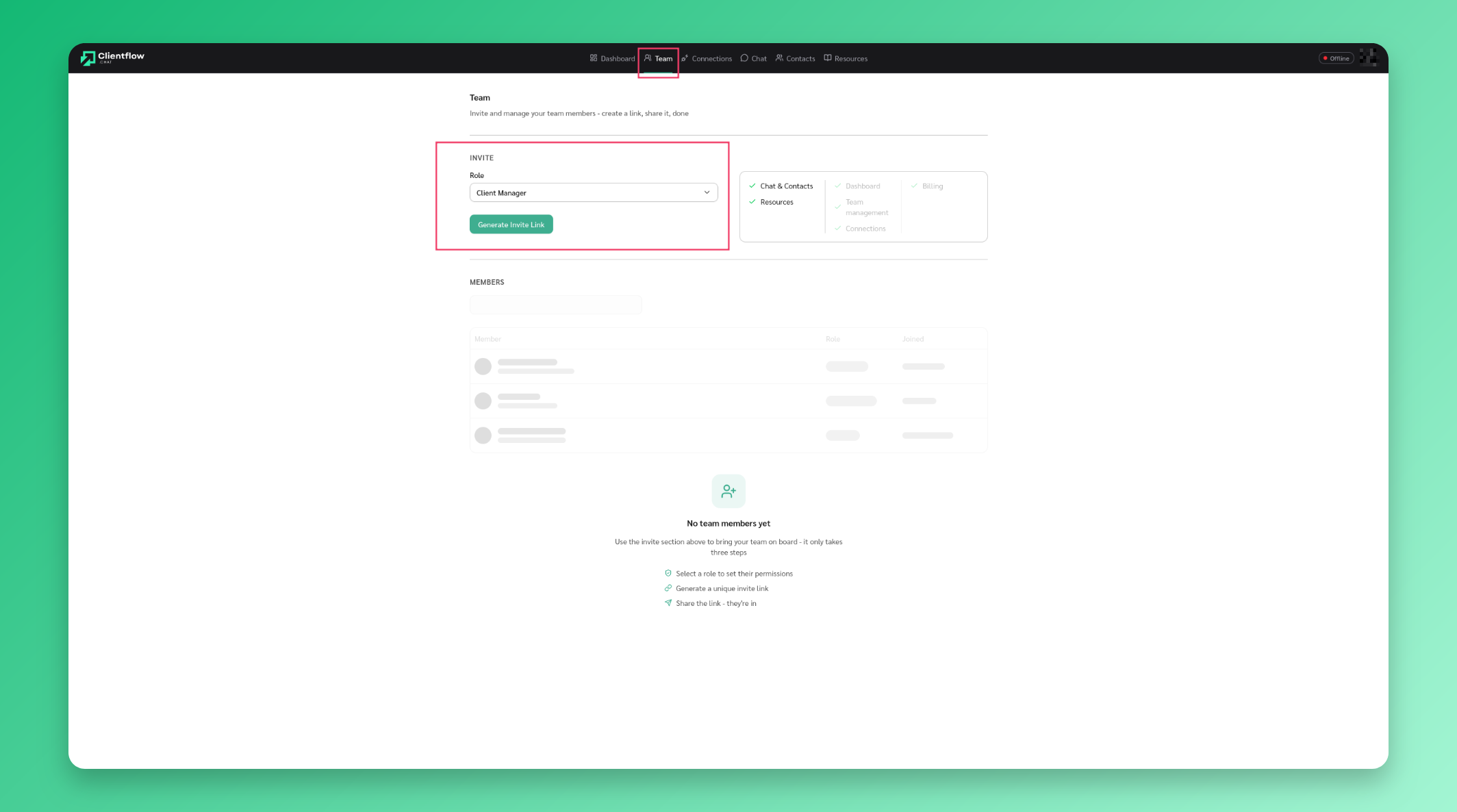
Go to Team, select a role for the new member, then click Generate Invite Link.
Share the invite link
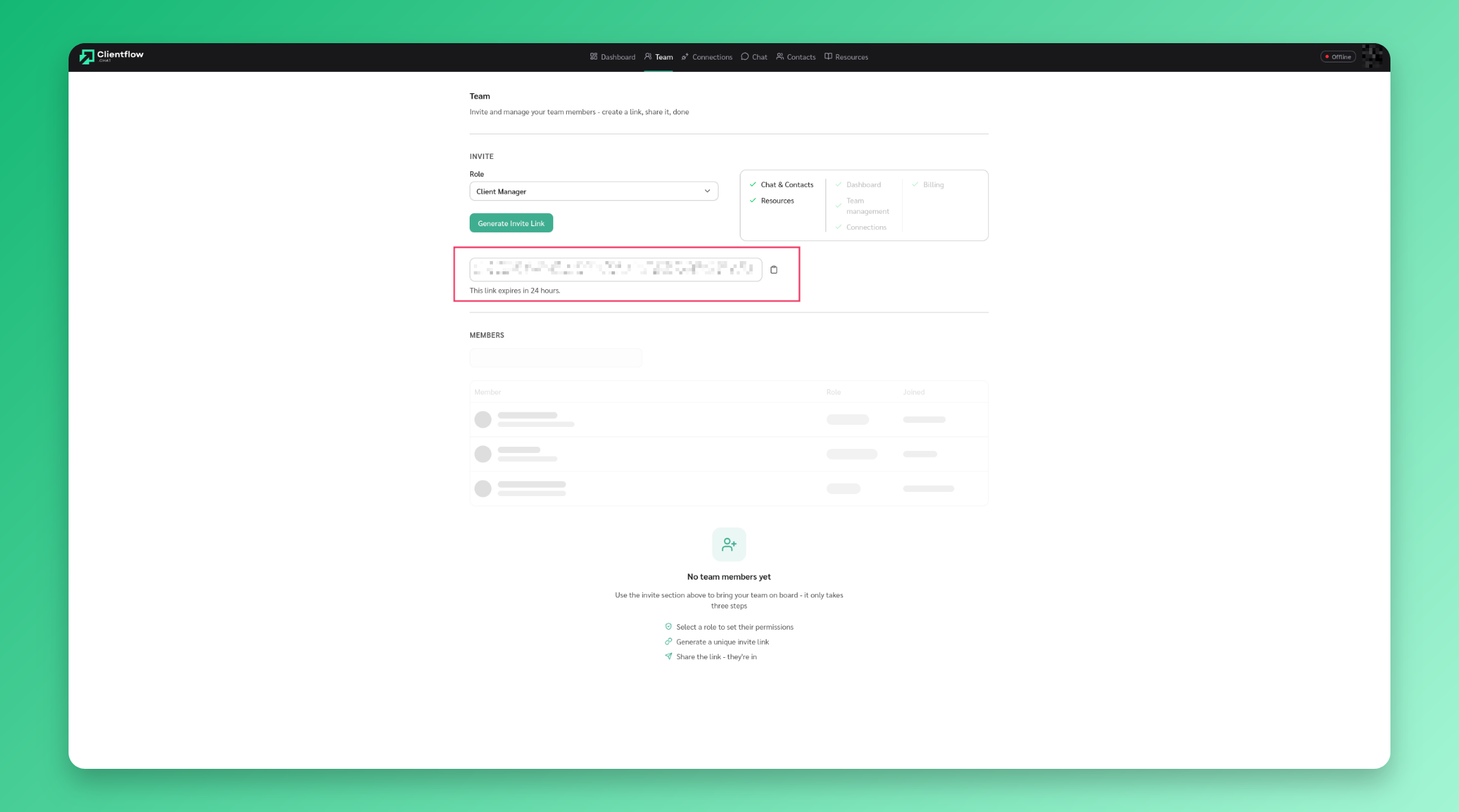
Copy the generated link and share it with your team member. The link expires in 24 hours. Once they open it and sign in, they’re added to the team.