Enable or disable notifications
Turn desktop notifications and the chat sound on or off from the user menu
Where the controls live
Open the avatar menu in the top-right corner. Two toggles below the theme switcher:
- Enable / Disable notifications — desktop notifications for new messages
- Mute / Unmute sound — the chat notification sound
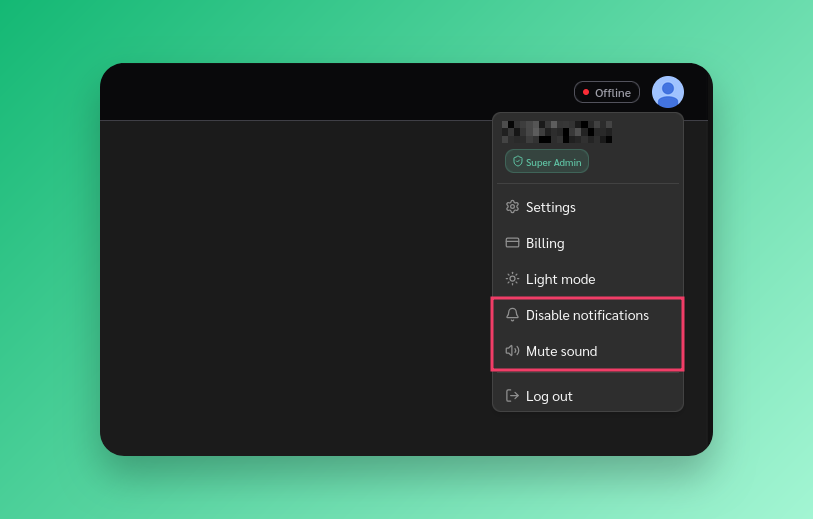
Settings are saved per browser.
Desktop notifications
Click Enable notifications and your browser will ask for permission. You’ll get a desktop notification when a new message arrives in a conversation you’re not viewing.
- Disable notifications turns them off without revoking browser permission
- Notifications blocked means your browser denied permission — re-allow in browser settings
- Notifications unsupported means your browser lacks the Web Notifications API
Chat sound
A chime plays when a new message arrives. Toggle with Mute / Unmute sound in the avatar menu. Independent from desktop notifications.
First-time prompt
A card appears in the top-right asking to enable desktop notifications. Click Enable or Not now. You can change this later from the avatar menu.