Check References
See the sources behind each suggested reply
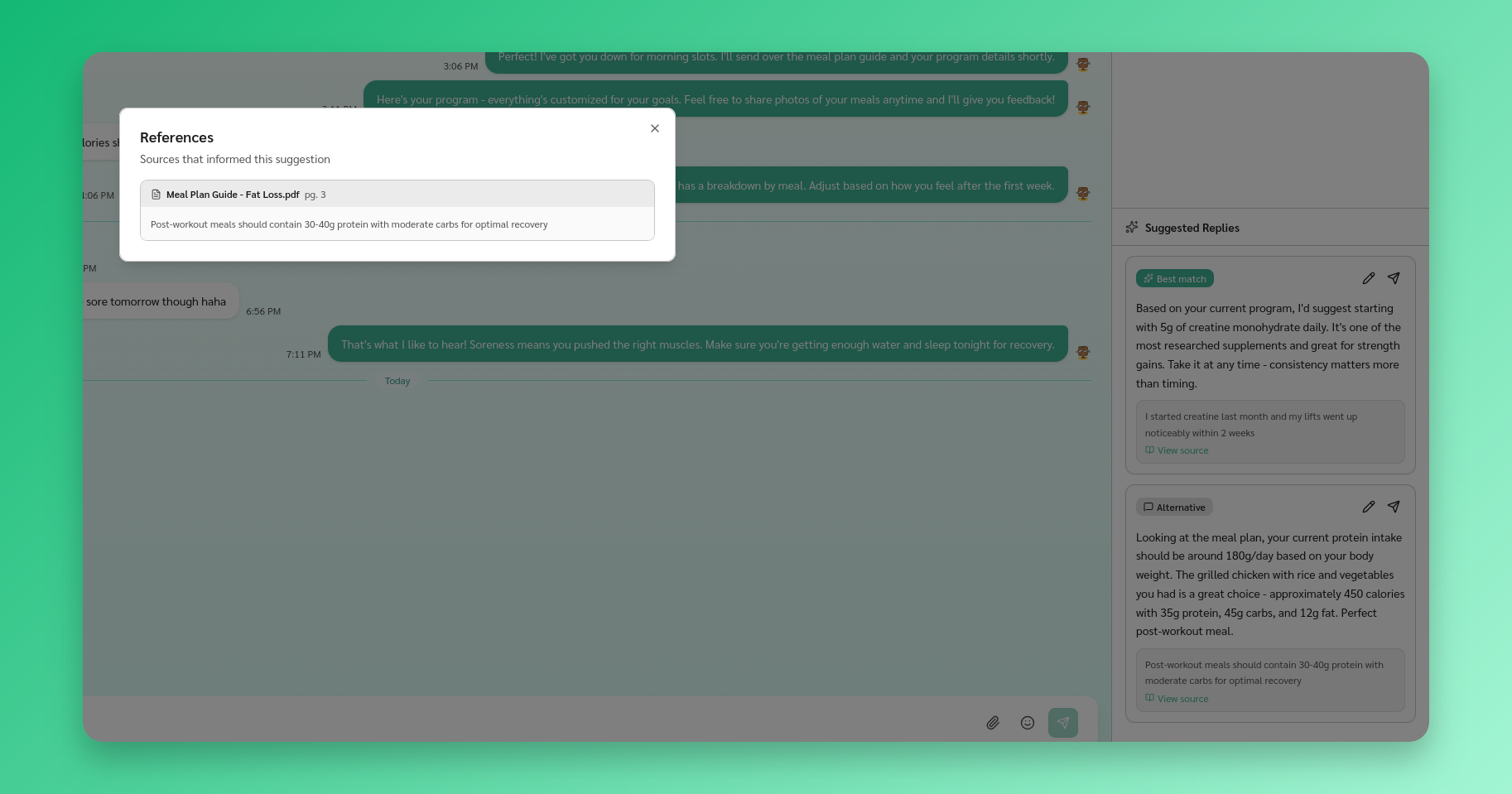
View references
Each suggested reply can include references - the sources the AI used to generate it. You’ll see a preview quote beneath the suggestion.
Click View source or the reference count to open a dialog with all referenced sources.
Reference types
- Document - A passage from one of your uploaded resources, with the source name and page number
- Past conversation - A relevant exchange from a previous conversation