Change Roles
Update a team member's role and permissions
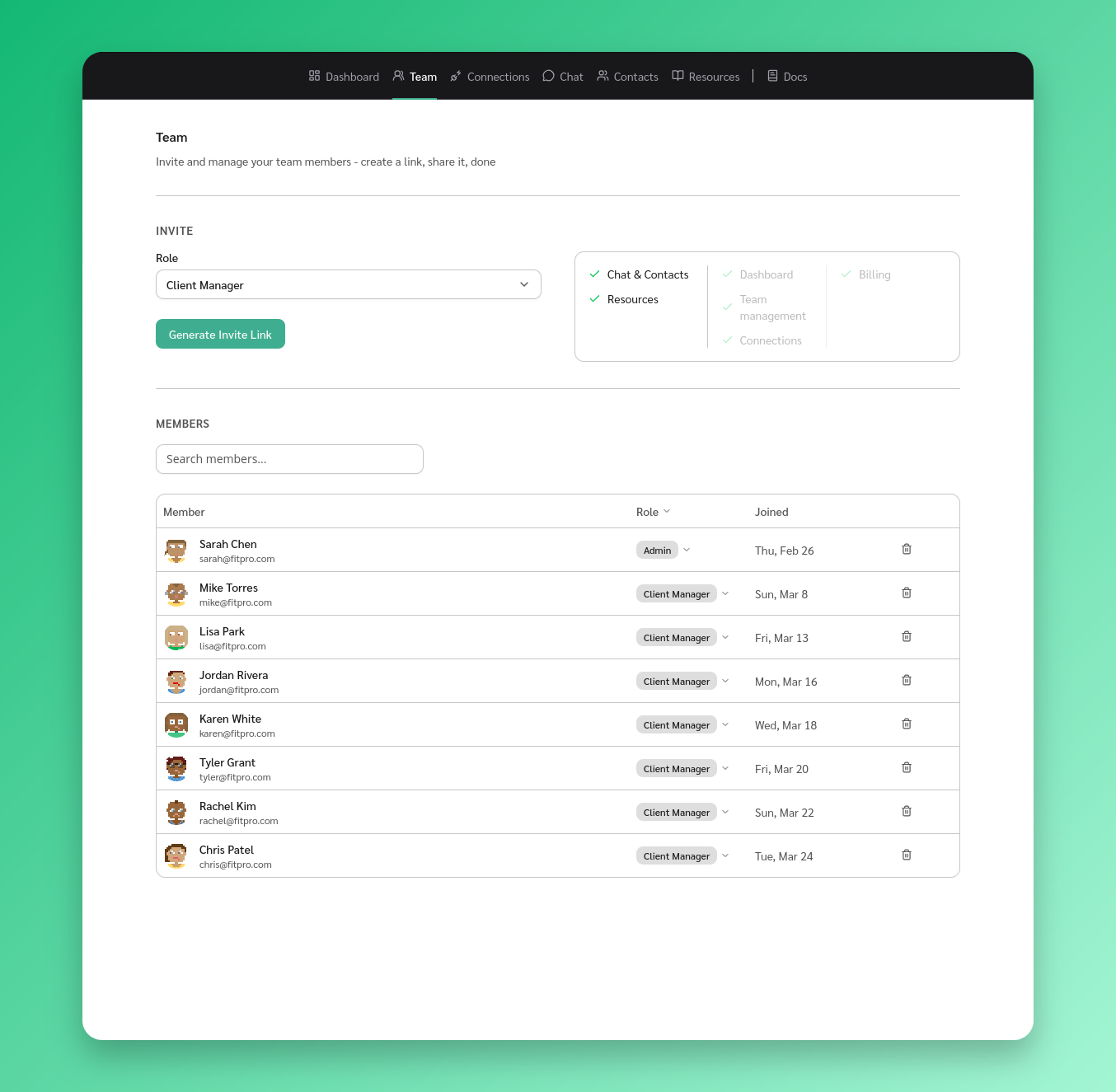
Change a member’s role
- Go to Team
- Find the member in the Members table
- Click the role badge next to their name
- Select the new role from the dropdown
The change takes effect immediately.
Role permissions
- Client Manager - Chat and contacts, resources
- Admin - Everything above, plus dashboard, team management, and connections
- Super Admin - Everything above, plus billing
Who can change roles
- Super Admins can assign any role, including promoting someone to Super Admin
- Admins can assign Admin or Client Manager, but cannot promote to Super Admin
- Client Managers cannot change roles